
The thought of your website being hacked is a living nightmare. Finding out that your hard work has been replaced with malicious code, spam links, or a blank screen is enough to ruin any creator's week.
When website owners think about cybersecurity, they usually imagine complicated code, expensive security contracts, or heavy plugins that slow down their server.
But what if you could block up to 99% of brute-force hacking attempts right now using just one simple, free trick that takes less than two minutes? Here is the absolute easiest way to lock down your WordPress site today.
The Core Vulnerability: Your Login Page
By default, every single WordPress website in the world shares the exact same front door. If an automated bot or a hacker wants to break into your site, they already know exactly where to go. They simply type your domain name followed by /wp-admin or /wp-login.php.
Once they find your login screen, hackers deploy automated scripts to launch a brute-force attack. These bots guess millions of common username and password combinations in a matter of minutes until they find a match.
The trick to stopping them isn't building a thicker door—it's hiding the door completely.
The 2-Minute Solution: Customizing Your Login URL
The single most effective, low-effort security trick is renaming your default login page URL to something completely unique.
If a hacker tries to visit [yourdomain.com/wp-admin](https://yourdomain.com/wp-admin), they will instantly hit a dead-end 404 Page Not Found error. Because the bots cannot find your login form, they cannot try to crack your password.
Here is how to set it up right now:
Step 1: Install a Lightweight Security Tool
Log into your WordPress dashboard, navigate to Plugins > Add New, and search for a lightweight URL renamer. Two of the most reliable and completely free options are:
-
WPS Hide Login (Highly recommended, over 1 million active installs)
-
Perfmatters (A premium optimization plugin that has this built-in)
Click Install Now and then Activate.
Step 2: Choose Your Secret Phrase
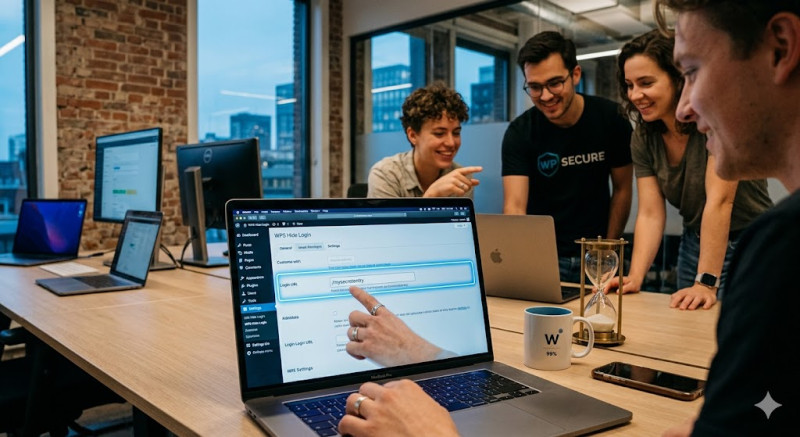
Go to Settings > WPS Hide Login (or your plugin's configuration page). Scroll down to the bottom, where you will see two simple fields:
-
Login URL: Enter your custom secret word or phrase here (e.g.,
/mysecretentry,/backstage99, or/creators-only). -
Redirection URL: Enter where you want automated bots to go when they try to access the old
/wp-adminpage (leaving it as404is perfect).
Step 3: Save and Bookmark
Click Save Changes.
CRITICAL STEP: Immediately bookmark your new secret URL on your browser, or write it down. If you forget your custom login address, you will lock yourself out of your own website!
The Result: Immediate Peace of Mind
The moment you click save, your site becomes invisible to automated brute-force scripts. This simple tweak drastically cuts down your server load (since bots aren't constantly hammering your login page) and keeps your digital asset safe without costing you a single penny. Do it today!