
WordPress powers over 40% of the web, but most users only scratch the surface of what it can do. Beyond writing posts and installing plugins, there is a treasure trove of built-in features hidden right under your nose.
If you want to speed up your workflow and manage your site like a pro, here are 5 hidden WordPress features you probably didn't know existed.
1. The Secrets of "Screen Options"
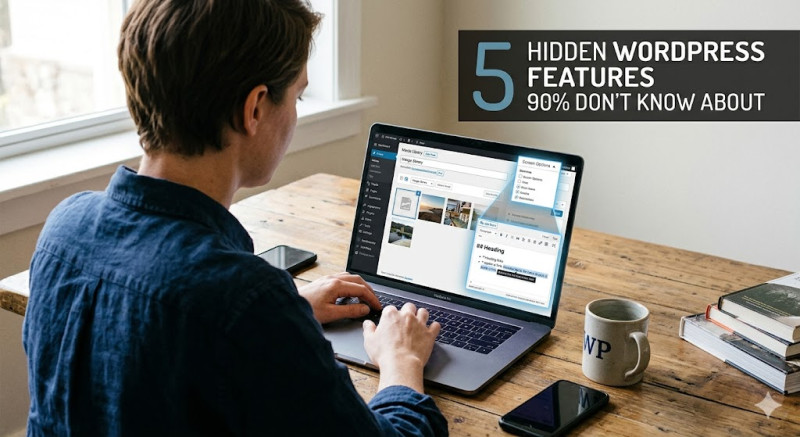
Ever felt like your WordPress dashboard was too cluttered—or missing a setting you desperately needed? Look at the very top right corner of almost any admin page. You’ll see a small tab called Screen Options.
Clicking this opens a drawer that allows you to check or uncheck boxes to completely customize your view. You can hide distracting widgets on your Dashboard, show excerpt fields in the post editor, or increase the number of items displayed per page. It’s the ultimate clutter-killer.
2. Live Markdown Formatting
If you are still highlighting text just to click the "Bold" or "Italic" buttons, you are losing valuable time. The block editor (Gutenberg) supports live Markdown shortcuts.
As you type, try these:
-
Type
##followed by a space to instantly create an H2 Heading. -
Type
*or-followed by a space to start a bulleted list. -
Wrap text in asterisks
*like this*to automatically make it italic.
It allows you to keep your hands on the keyboard and write at lightning speed.
3. One-Click Image Editing
You don't need to open Photoshop just to crop or rotate an image. WordPress has a built-in image editor right inside the Media Library.
Just click on any image in your library and select Edit Image beneath it. From there, you can crop, rotate, flip, and even scale the image dimensions. It’s incredibly handy for quick fixes before hitting publish.
4. Paste a Link to Create a Hyperlink
This is the ultimate workflow lifehack. Instead of highlighting text, clicking the link icon, and pasting the URL, you can do it in one motion.
Simply highlight the text you want to link, and press Ctrl+V (or Cmd+V on Mac) to paste the URL directly onto the highlighted words. WordPress will automatically turn it into a hyperlink.
5. Multi-Page Posts
If you write long-form content, ultimate guides, or tutorials, you might want to split a single post into multiple pages to improve readability and boost page views.
You don’t need a plugin for this. Simply insert the Page Break block wherever you want to split the text. WordPress will automatically generate pagination (Page 1, 2, 3) at the bottom of your post.
Conclusion: WordPress is full of smart shortcuts designed to save you time. Start using these five hidden features today, and you’ll instantly feel like a WordPress power user!